| Filename | Latest commit message | Latest commit date |
|---|---|---|
| postgresql-serviceconf | ||
| qgis | ||
| screenshots | ||
| sql | ||
| .gitignore | ||
| docker-compose.yml | ||
| LICENSE | ||
| README.md | ||

qgis-json-tests
Testing Display of JSON data in QGIS Desktop and QGIS server
Goals
- Test JSON Display in QGIS widgets
Relevant PRs/commits
- https://github.com/qgis/QGIS/pull/7869 (PostgreSQL JSON field support)
- https://github.com/qgis/QGIS/pull/8223 (Testing the implementation from #7869 with GetFeatureInfo requests over QGIS Server.)
Unit tests from OpenGIS
- QGIS core and Desktop: https://github.com/qgis/QGIS/pull/7869 - in particular
github.com/signedav/QGIS@920e150d95/tests/src/providers/testqgspostgresprovider.cppsee def testJson() - QGIS Server: https://github.com/qgis/QGIS/pull/8223 - in particular
github.com/signedav/QGIS@0a2689d94e/tests/src/python/test_qgsserver_wms_getfeatureinfo.pysee def testGetFeatureInfoPostgresTypes()
Remarks
- jsonb is the binary version
- jsonb can be created by casting a json text string to jsonb, e.g. "'{"a":1,"b":2}'::jsonb
- Minimum PG versions: 9.2 for json and 9.4 for jsonb
Advantages / Disadvantages of json vs jsonb
| jsonb advantages | jsonb disadvantages |
|---|---|
| faster queries (SELECT) | may change original formatting slighly when compared to exact copy in json |
| supports indexing | slightly slower input (INSERT and UPDATE) |
| faster than hstore data type | may take more disk space than plain json |
| certain queries (e.g. aggregates) may be slower due to lack of statistics |
see also Faster Operations with the JSONB Data Type in PostgreSQL
Display of JSON Data in QGIS Desktop
see also OPENGIS blog post "Visualize Postgres JSON data in QML widgets"
Useful json-compatible widgets in QGIS
- List
- Key/Value
- Text Edit (preferably with Multiline Option)
- QML Widget
Attention: by default, QGIS assigns the Key/Value widget to json/jsonb data types. If the JSON structure isn't compatible one will see an empty widget, even if JSON data exists.
Text Edit widget
Sample Structure: any valid JSON structure can be used.
Configuration hints: For longer structures be sure to check the "Multiline" checkbox in the "Text edit" widget configuration.
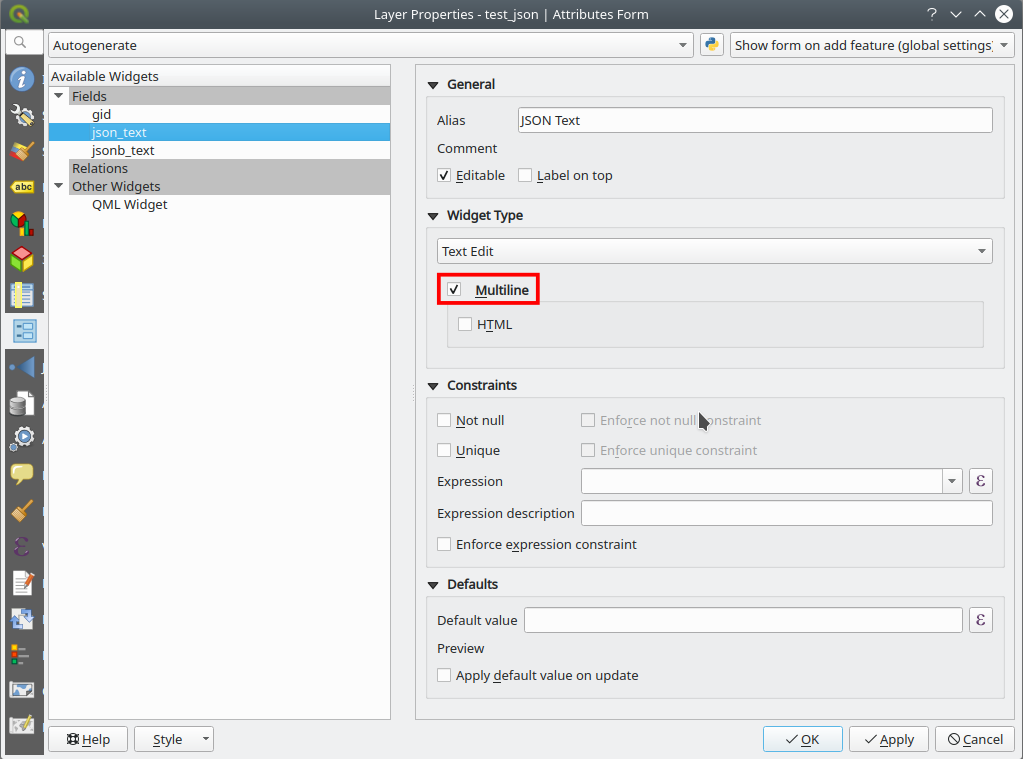
This is how it looks like in a text edit widget in form mode, regardless if the source data type is json or jsonb:

List widget
Valid json structure for list widget:
[
 "Apples",
 "Cherries",
 "Bananas",
 "Strawberries"
]
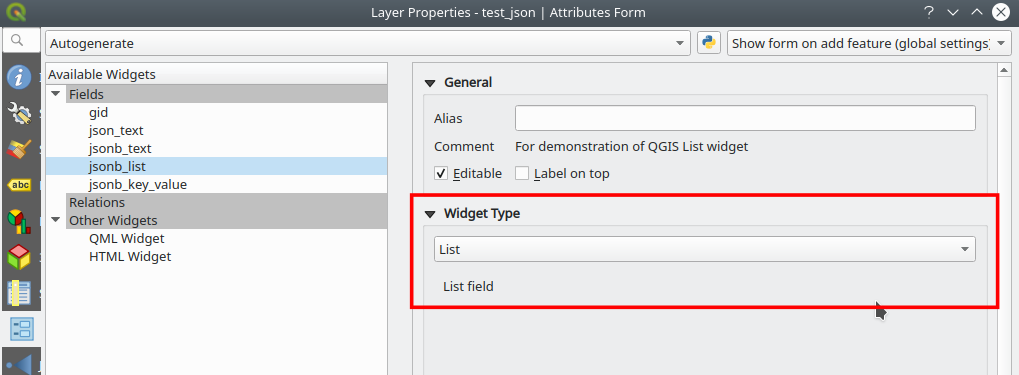
This is how it looks like in a list widget in form mode, regardless if the source data type is json or jsonb:

Key/Value widget
Valid json structure for list widget:
{
 "Apples": 20,
 "Cherries": 13,
 "Bananas": 23,
 "Strawberries": 7
}
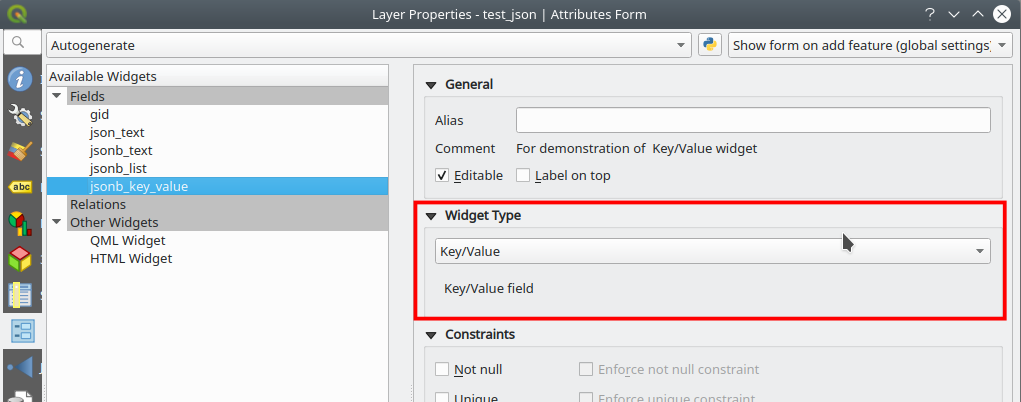
This is how it looks like in a list widget in form mode, regardless if the source data type is json or jsonb:
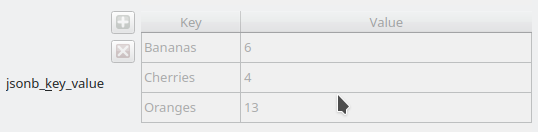
Attribute Table View
This is how the attribute table looks like for the different widget types: list and key/value entries are separated by kommas combined with a blank as separater, keys are separated from the values with a colon and a blank:
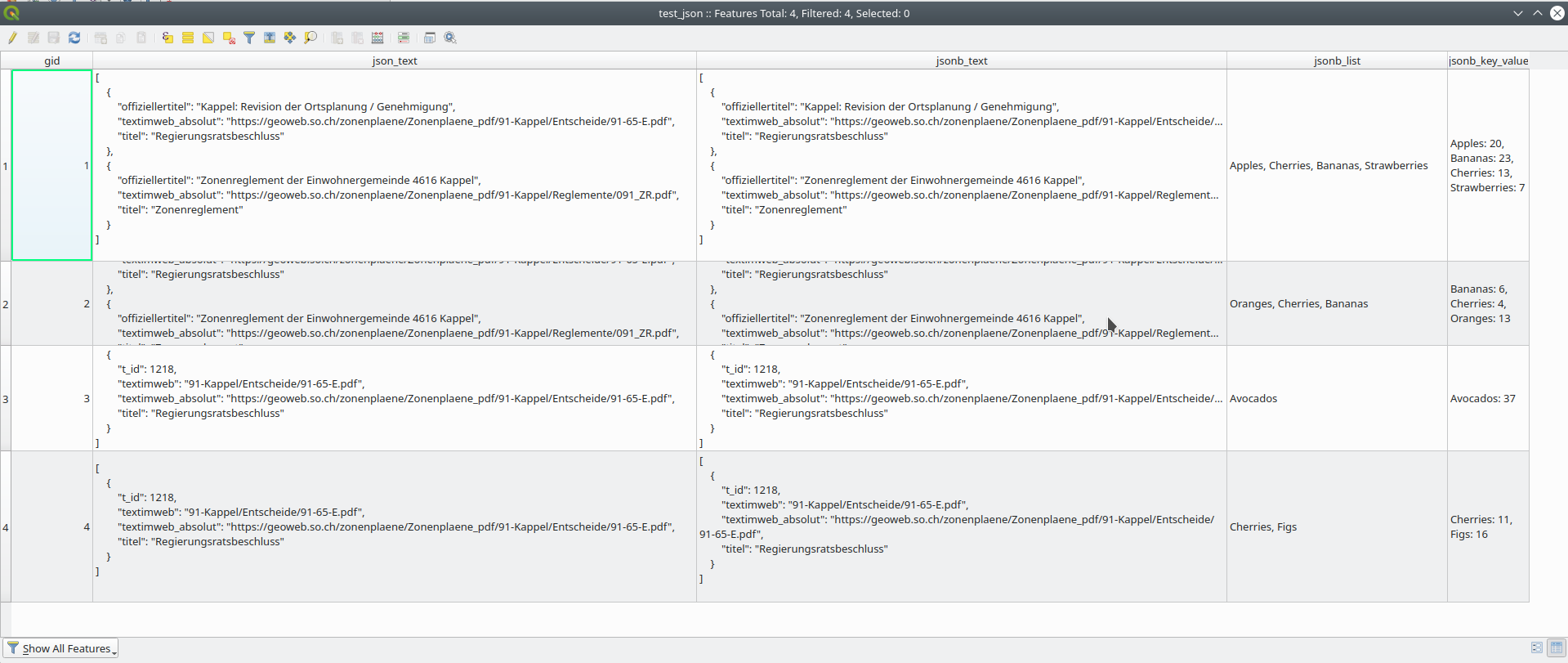
Note that the height of the rows are not auto-sized and often need to be made a bit higher manually.
Display of JSON Data in the combo QGIS Server and Desktop
To test whether raw json/jsonb data is supported there is a Postgis/QGIS Server test environment that you can start with:
docker-compose up
in the root of this repository.
GetFeatureInfo results with format "text/plain"

Remarks: displays as expected
GetFeatureInfo results with format "text/html"
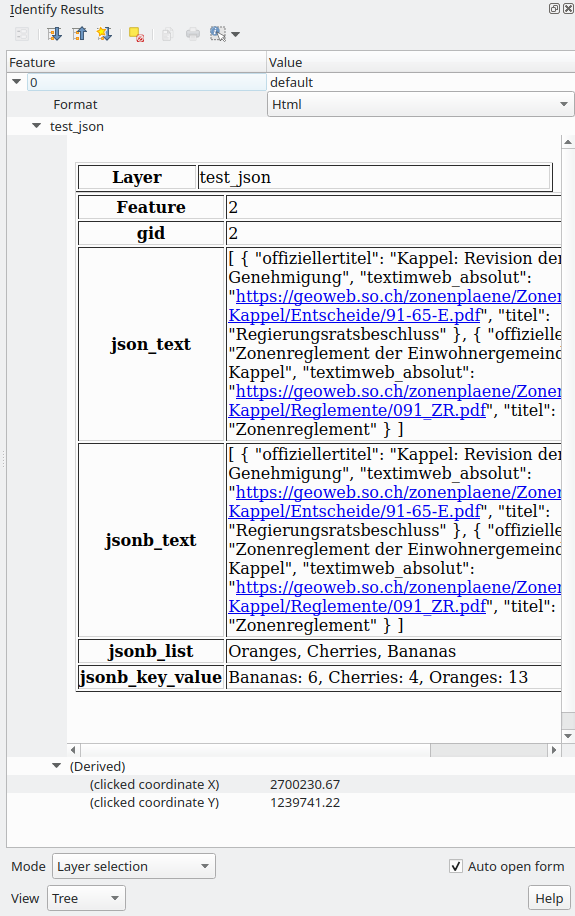
Remarks: Works ok, but room for improvements.
Proposal for improvements:
- for text widgets: use <pre></pre> tag to preserver line breaks and display with a monospace-font
- for list widget: use <ul><li></li></ul> structure
- for key value widget: use <table/> structure
GetFeatureInfo results with format "application/json"

Remarks: doesn't display at all. Fixes pending